Categories
Mylink sends your services and prices to Google, so a booking button can appear next to your profile in Search and Maps. Clients pick a service and land right on your free times.
From Google to Mylink
Gel manicure · pick a day and time
Example
Sunday, 22:03
There’s a booking button next to your profile.
Sunday, 22:04
Your Mylink page opens right at that service.
Sunday, 22:05
She picks a free time and confirms. It lands in your calendar.
What you need
No request to Google. All it takes is a ready Mylink page.
A saved address and at least one service with a specialist that can be booked online.
Your name, address and phone should match your Google Maps profile.
New services and prices reach Google the next day.
A booking button in Search and Maps
It switches on automatically once your page is live with an address and services.
Services Google sees
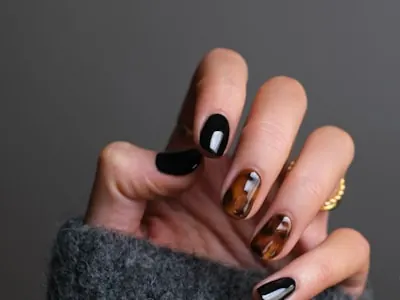
Gel manicure
60 min
€35
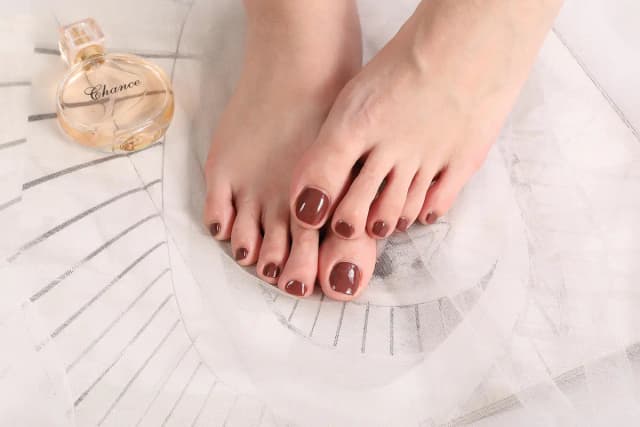
Pedicure
60 min
€40
Classic lashes
90 min
€55
45 days free · no contract · from €15 a month
No. Mylink sends your details itself. You need a live page with an address and at least one service that can be booked online.
The client taps the button on Google and your Mylink page opens at the chosen service. They pick a time and confirm there.
Mylink sends your details every night, so new services and prices reach Google the next day.
Google has to match your Maps profile to your Mylink page, so your name, address and phone need to match. If the button doesn’t show, give us a call.
No. Bookings from Google are like any other on Mylink.
Signing up takes a minute, and you set things up whenever it suits you. If you’d rather, leave your number and we’ll set it all up together.